Desktop Crypto Wallet
Store, send, buy, stake and exchange crypto using the full control of a desktop wallet for Mac, Windows, or Linux
Excellent Score 4.3 on

Download Guarda 1.1.1
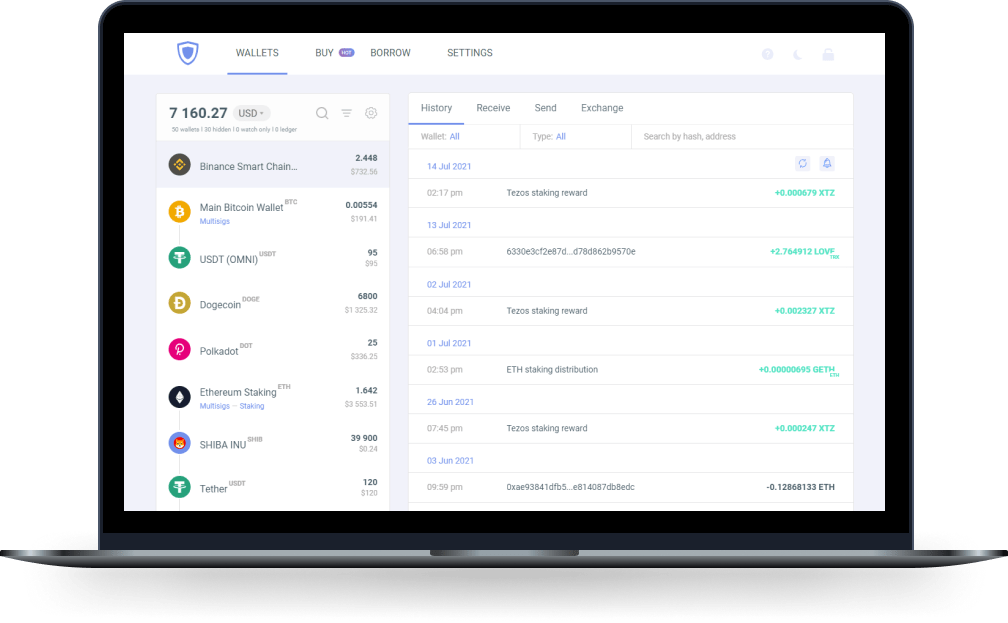
Store, send, buy, stake and exchange crypto using the full control of a desktop wallet for Mac, Windows, or Linux
Support for over 70+ major blockchains & over 1M+ tokens of all leading protocols. Stay in complete control of your assets.
Easily purchase cryptocurrency using your MasterCard or Visa. Top-up any of your wallets — simply and smoothly.
Buy Bitcoin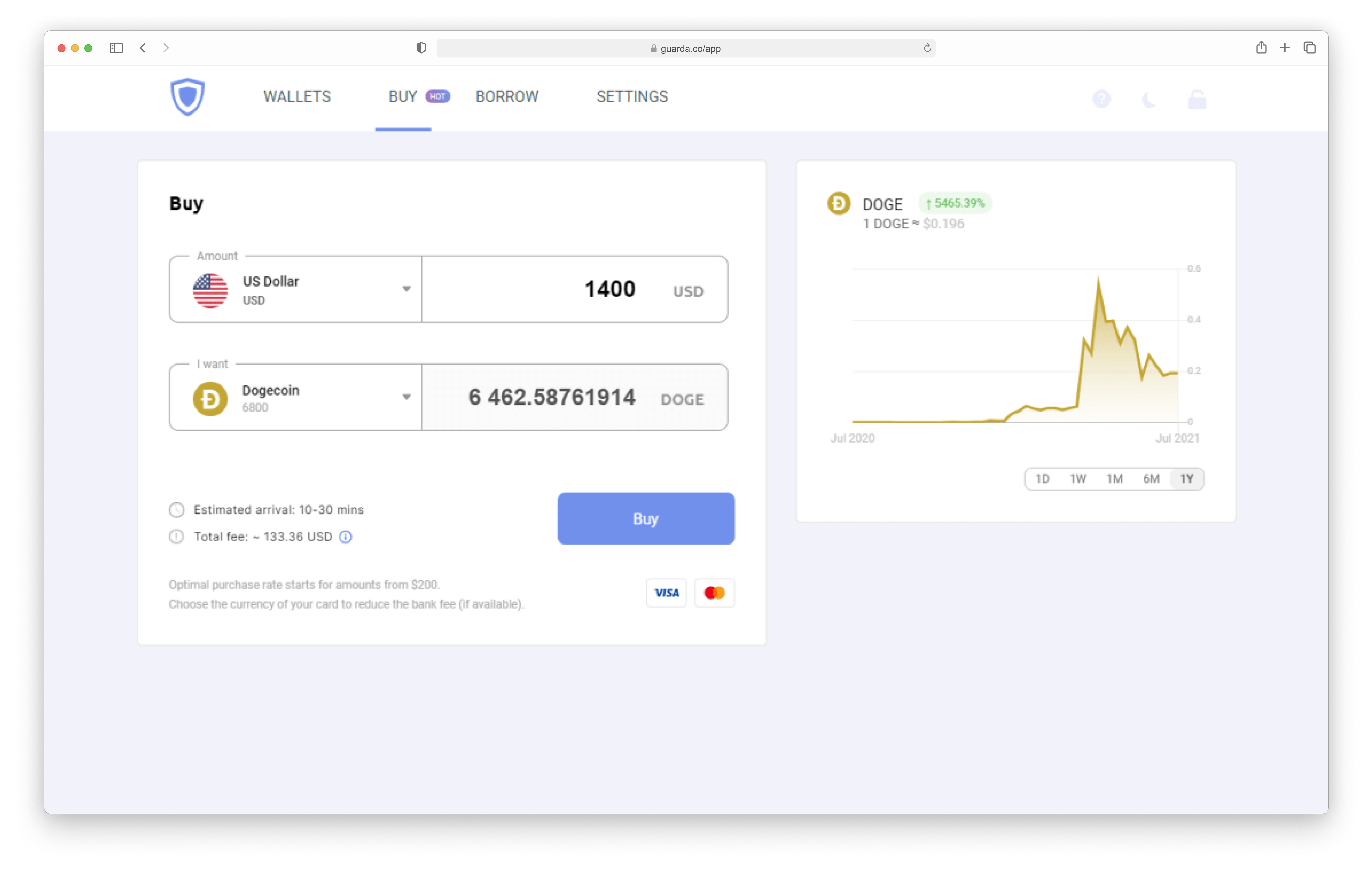
Exchange one currency for another right here. Built-in service lets you easily swap coins inside your highly secure Guarda Wallet
Get Started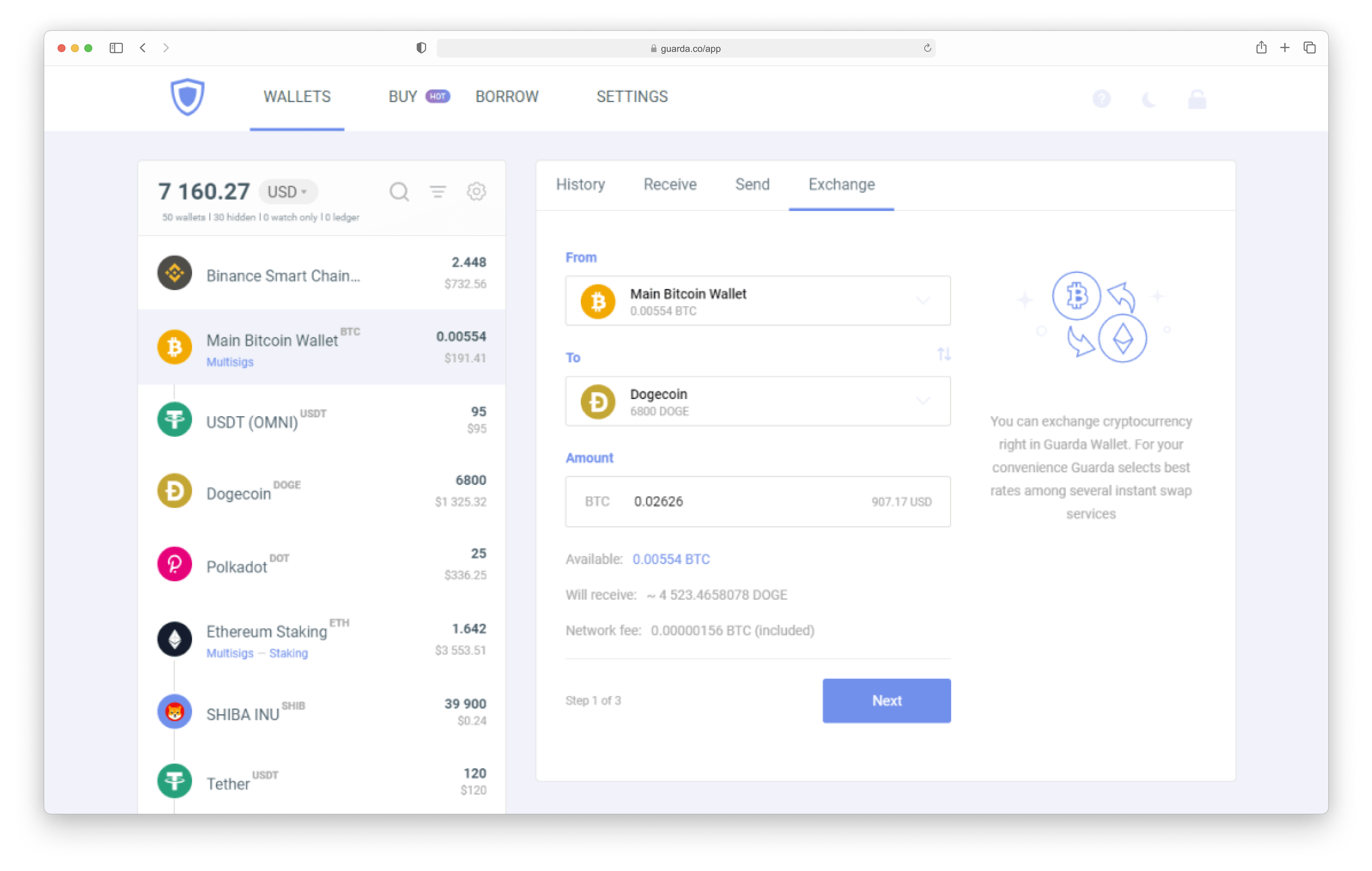
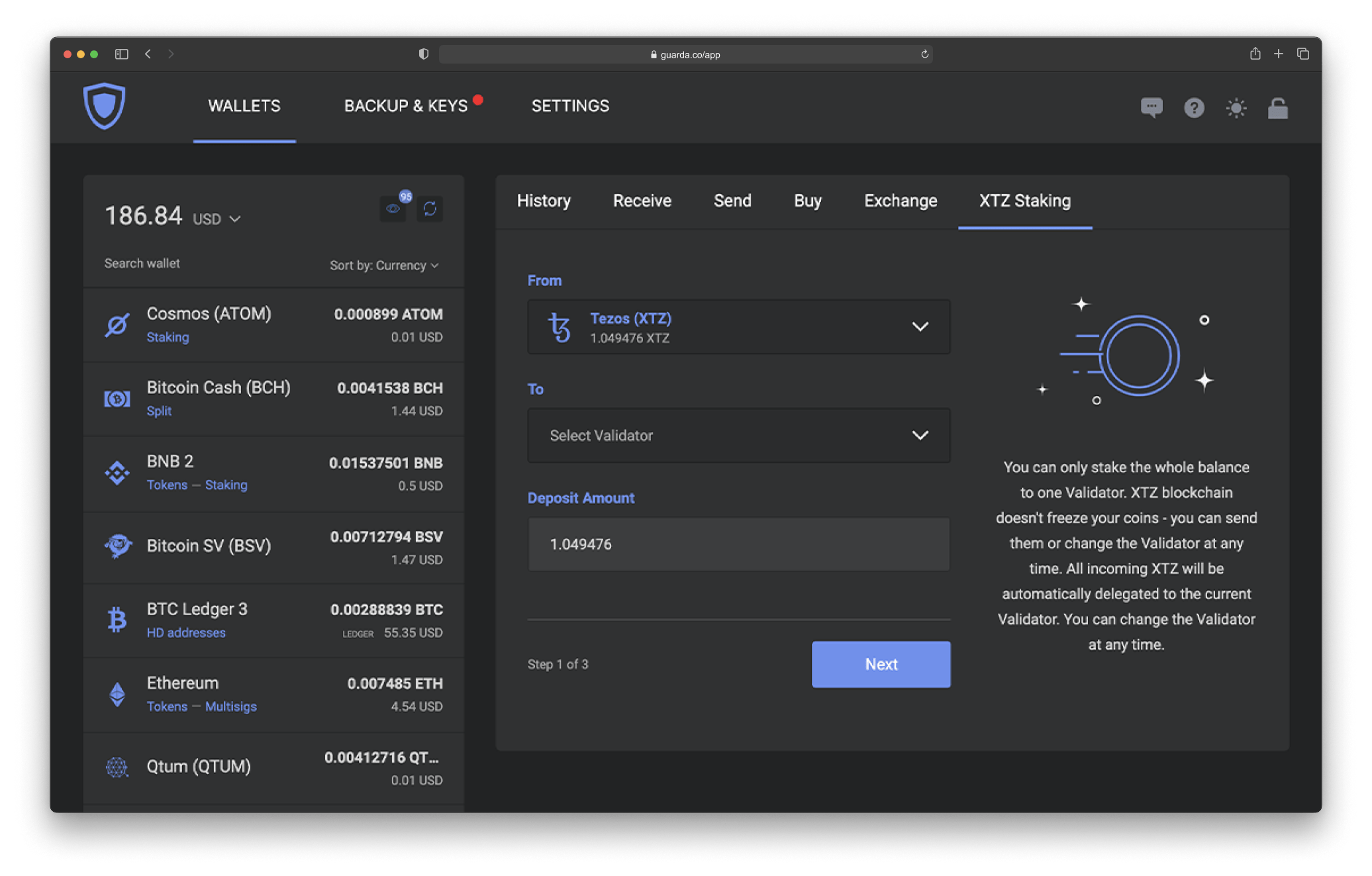
Guarda online wallet is an ultimate solution for modern crypto management. You can do it all from the comfort of one single app. Earn with staking, Purchase, Instantly Exchange at best rates, get crypto loans, add extra security layer with Multisignature, and the list goes on.
Get Started


Safe and Simple way to buy crypto with debit/credit card or a SEPA transfer directly in your wallet.

Instantly exchange Bitcoin and other cryptocurrencies and tokens without registrations, limits, or verification approvals.

Easily manage you crypto online and send it to anyone and anywhere with their address.

Get passive income with massive APY on top of your holdings by staking coins that you have in your Guarda Wallet.

Using your Guarda Visa Card. Top up your card and spend you crypto anywhere.